How to optimize your homepage tags
- From your dashboard, select “Store Setup” on the left hand side. Then select “Store Settings
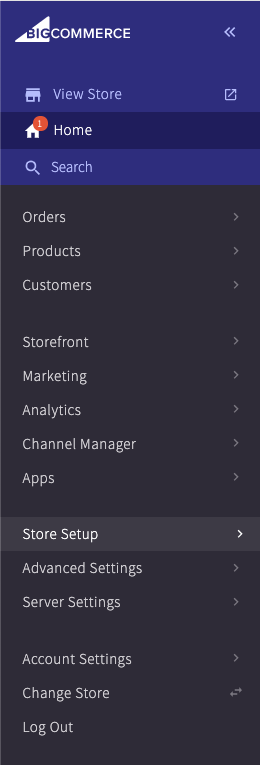
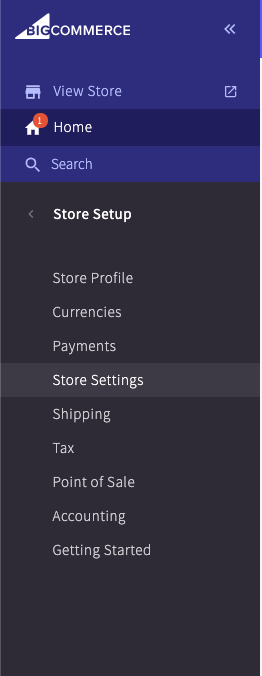
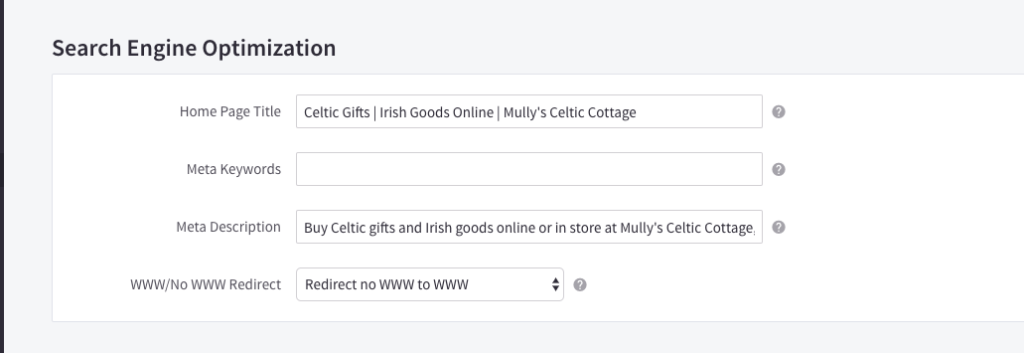
2. Scroll down to “Search Engine Optimization” and this is where you want to input your title tags and meta descriptions to optimize your homepage meta data. You don’t want to enter anything into the “Meta Keywords” section.
How to set up a non-www. to www. Redirect
While you’re at the same place as you optimize your meta tags, right below is a drop down menu where you can select whether to redirect from non-www. to www., or vice versa.
How to set up optimized URL’s on BigCommerce
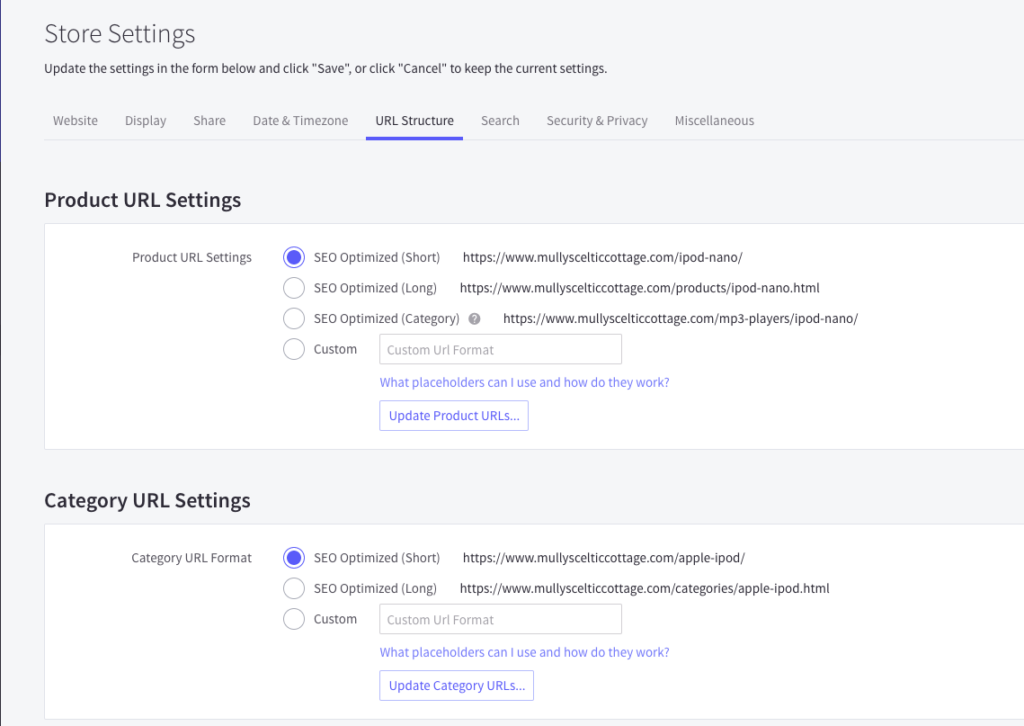
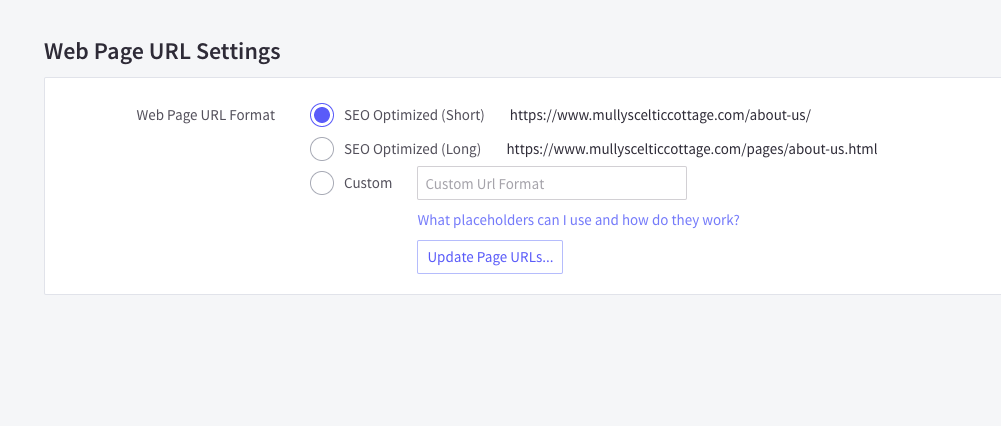
While still in store settings, click on the “URL Structure” tab. For all of these, you could select the “SEO Optimized (Short)” version.